


Tell your computer what to do.From literally anywhere.
 Coming soon on theApp Store
 Download forMacBookDownload forMacBook
 Get it onGoogle Play
 Coming soon forWindows
Mermaid for iPhone is in early access.
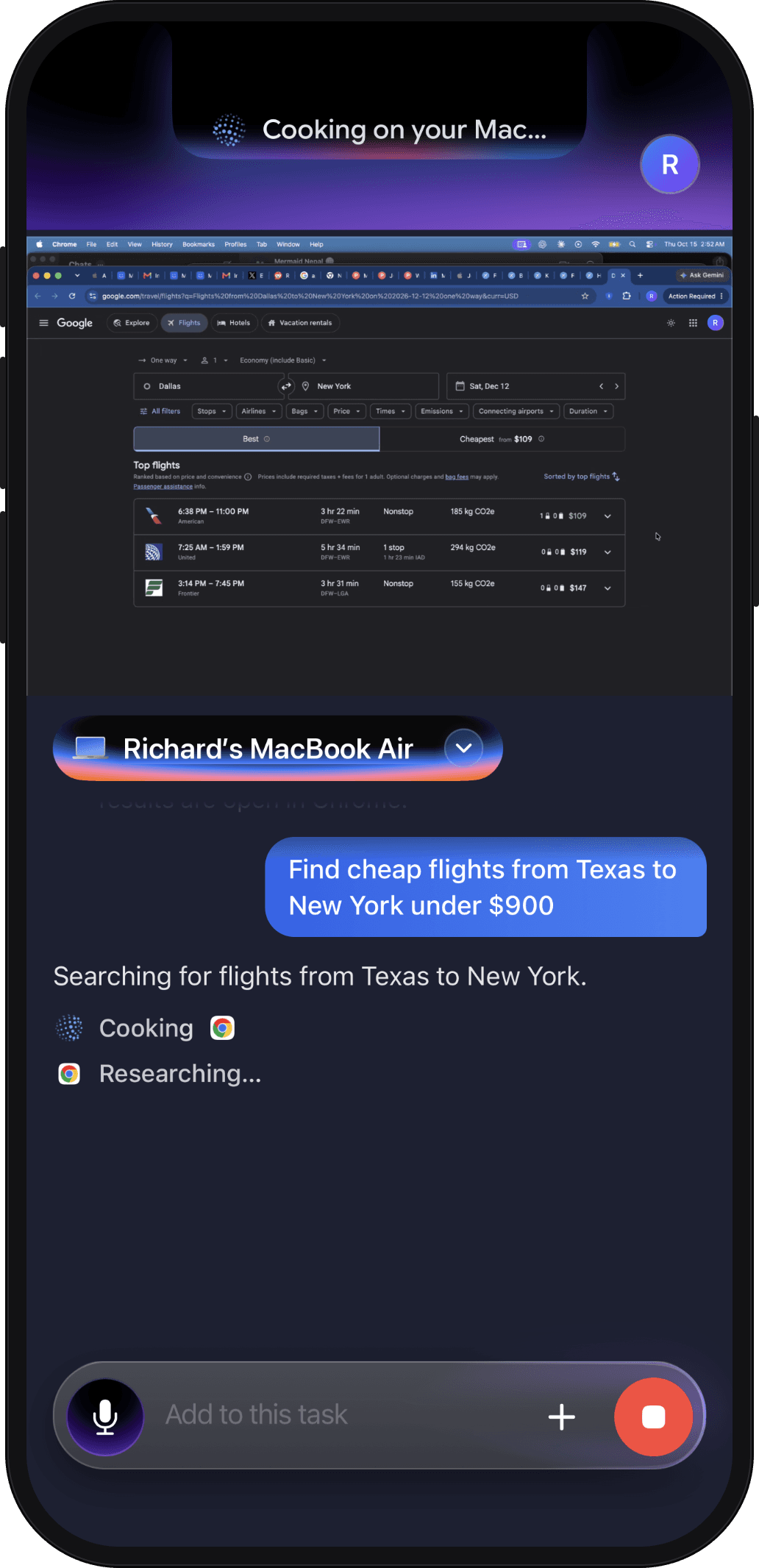
Take our word for it
Watch Mermaid work.
From your phone to your computer.

Wait until you’re back at your computer
Just ask. Your computer does the rest,
wherever you are.
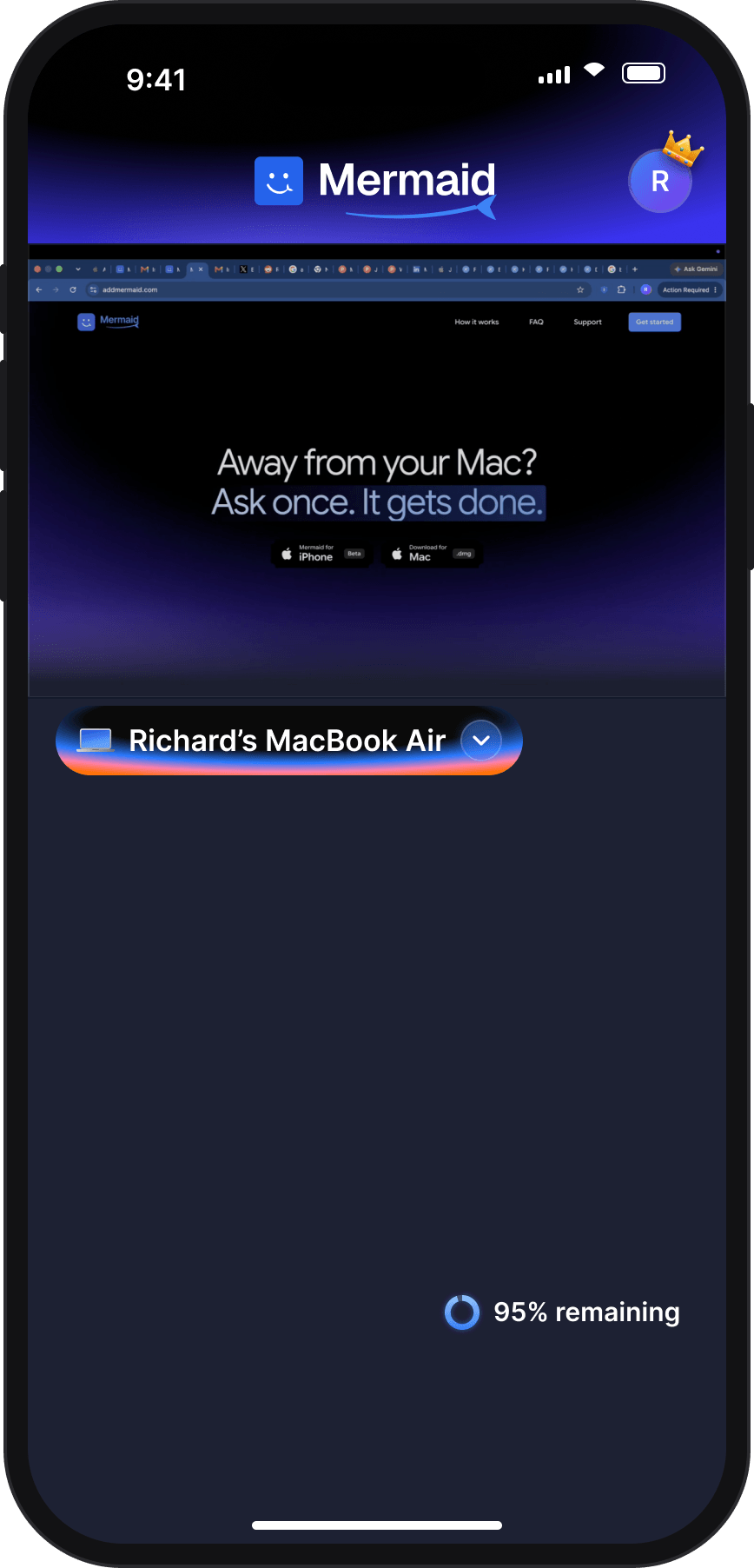
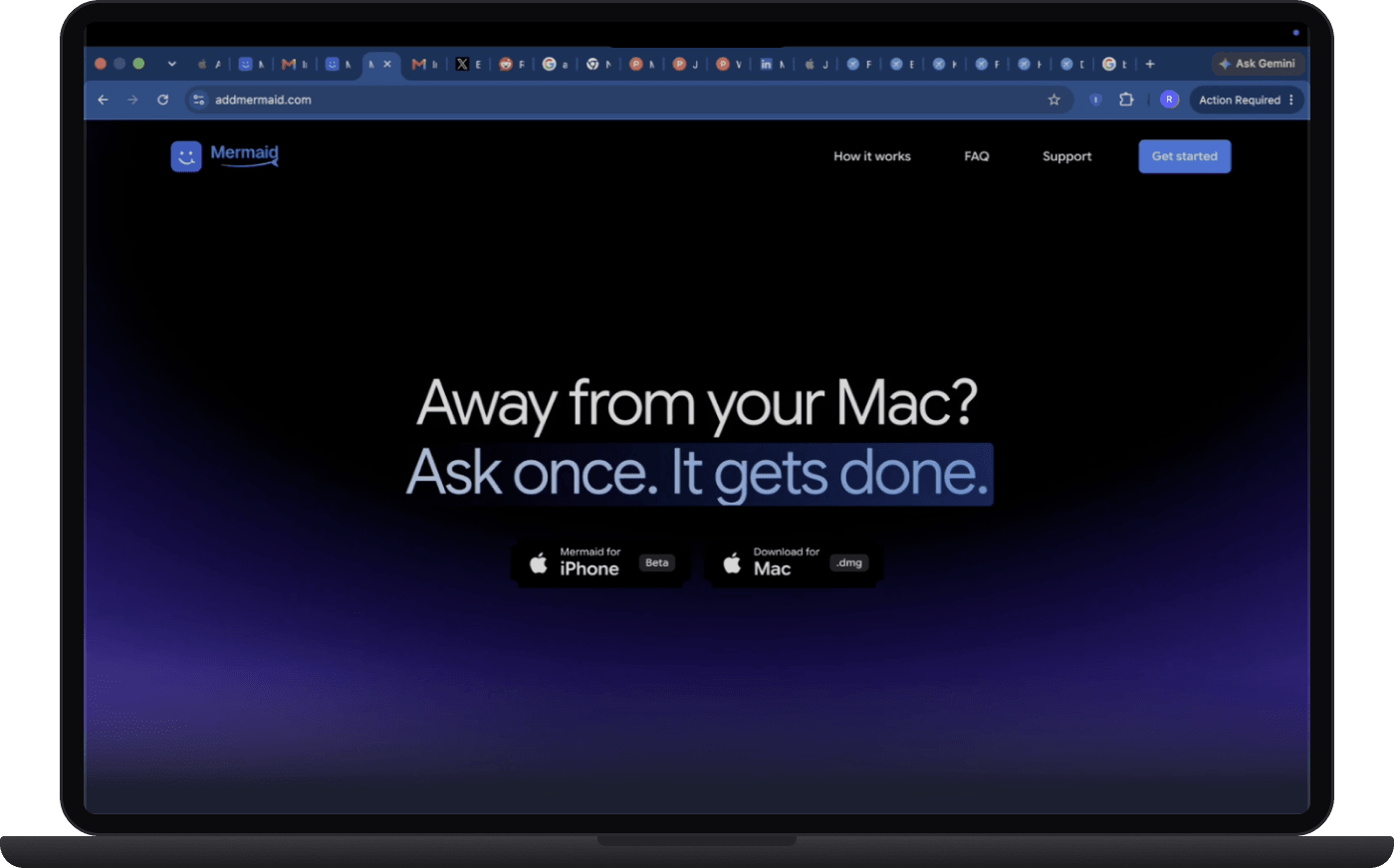




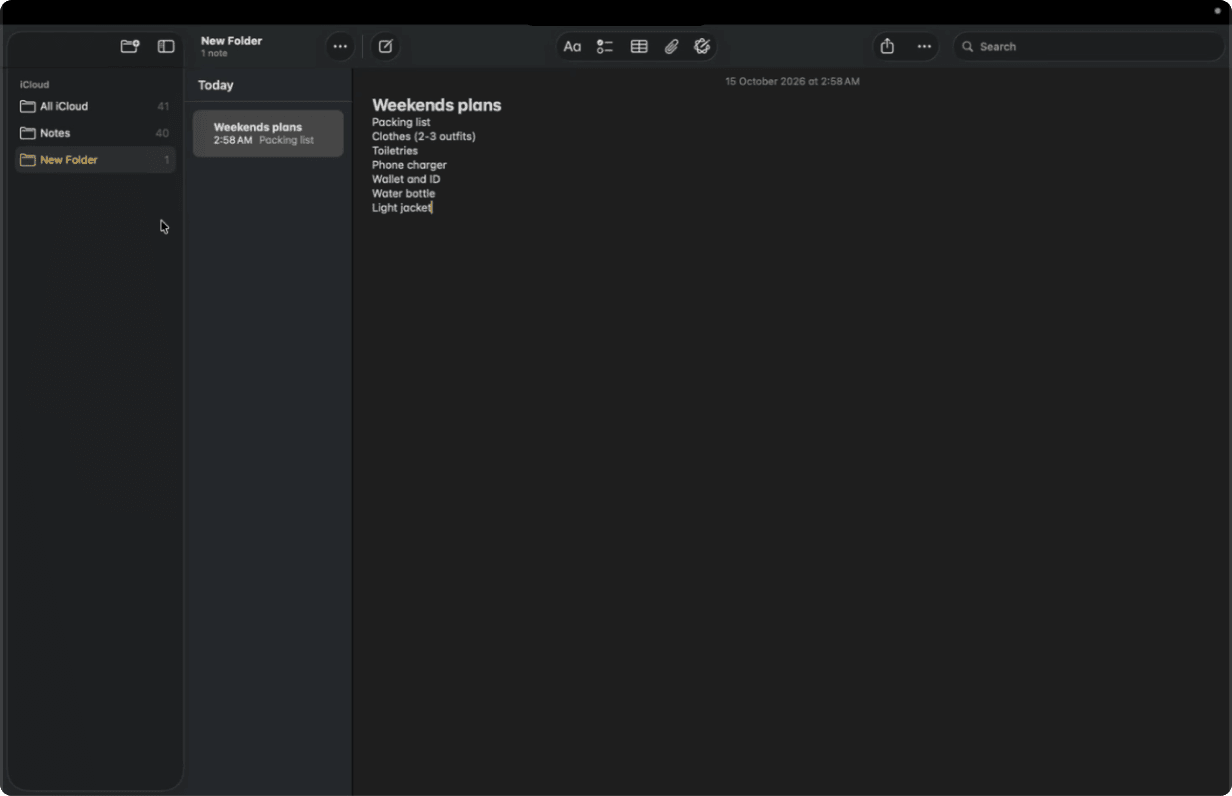
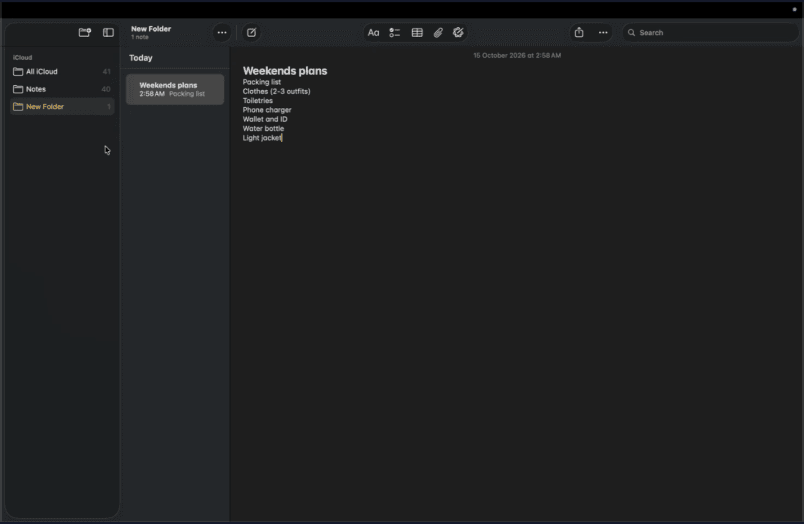


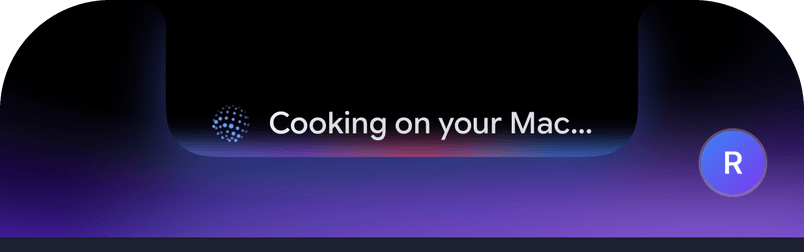
You ask Mermaid on your phone to create a short note called Weekends plans with a packing list. Your computer opens Notes and writes it, and your phone shows it's done.
Connect your apps one by one
No setup. Mermaid uses the apps already on your computer.
Mermaid uses the apps already on your computer, like Safari, Chrome, Notes, Mail, Messages, VS Code, WhatsApp, Finder and Claude.



Questions
Yes: once you allow Screen Recording and Accessibility on your Mac, Mermaid sees the screen and clicks and types in your apps, as you would. You ask from your phone, and it asks you before anything consequential.
A chatbot answers. Mermaid does the work on your computer: it opens your apps, writes the note or the email, checks the result and tells you when it’s done.
No. Mermaid does the work on your computer, in your own apps: it checks every action against our own safety rules and asks before anything is sent, deleted, posted or bought. Live Screen, Take Over and the encrypted connection between your phone and your computer don’t use AI at all.
One AI agent for your whole computer. You ask from your phone, and Mermaid does the work on your computer in your own apps, checks the result, and shows you when it’s done. It isn’t remote desktop: when you want to work yourself, Live Screen and Take Over are there.
No. Mermaid at addmermaid.com is an AI agent that does the work on your computer when you ask from your phone. It isn’t related to Mermaid.js, the diagramming tool, or the products built on it.
A Mac with Apple silicon or Intel and macOS 14 or later, and an iPhone with iOS 17 or later, with Mermaid on both, signed in to the same account. Mermaid for Android is available on Google Play. Mermaid for Windows is coming soon.
Yes. Mermaid for Android is available on Google Play, and works with your computer the same way Mermaid for iPhone does.
Only to pair the first time. After that, Mermaid reaches your computer over Wi‑Fi or mobile data. Your computer needs to be on, awake and online.
Before consequential actions, such as sending a message or deleting files, it asks for your approval on your phone. You can tap Stop at any time.
Live Screen, Take Over, files and the clipboard travel between your phone and your computer encrypted end to end. For a task, screenshots and screen text can be sent for AI processing, only after you allow it.


Your computer is ready when you are.
Ask from your phone, and put your computer to work from anywhere.
Coming soon on theApp StoreGet it onGoogle PlayDownload forMacBookDownload forMacBookComing soon forWindows